


Setup & Account Access
This guide will explain your initial setup for your crc-sc account, based on your personal email address. Please follow those steps:
-
You will receive an invitation in your email inbox (check for Spam).
The title of hte email should be Yann Armand invited you to access applications within their organization
-
click the link accept invitation from the email
Setup of your guest acount
-
The link is getting you to Microsoft 365 to create the account
-
1st you will be ask to send a code to verify your email address
-
wait for the code in your email inbox (check for spam)
the email should be titled: Your Stanwood Camano Community Resource Center account verification code
-
enter the code in your browser
-
click the sign in button
-
accept the requeted permission for the CRC org to read your account infos
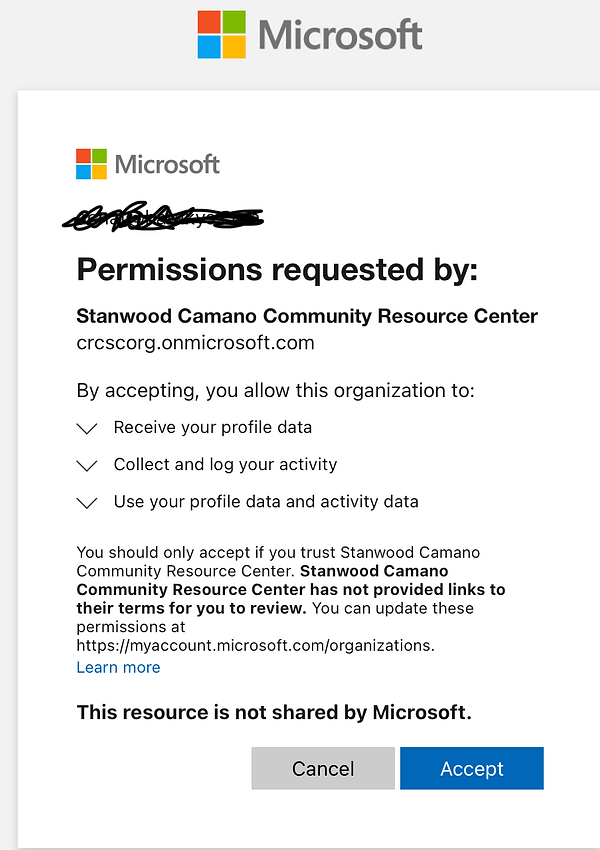
7. ignore any other info aftert this page. Do not close the browser
Congratulation you are all done
feel free to acess the Board of Directors documents library
This should let you in, or ask you again a code sent by email before letting you access to the Board of Directors files.